
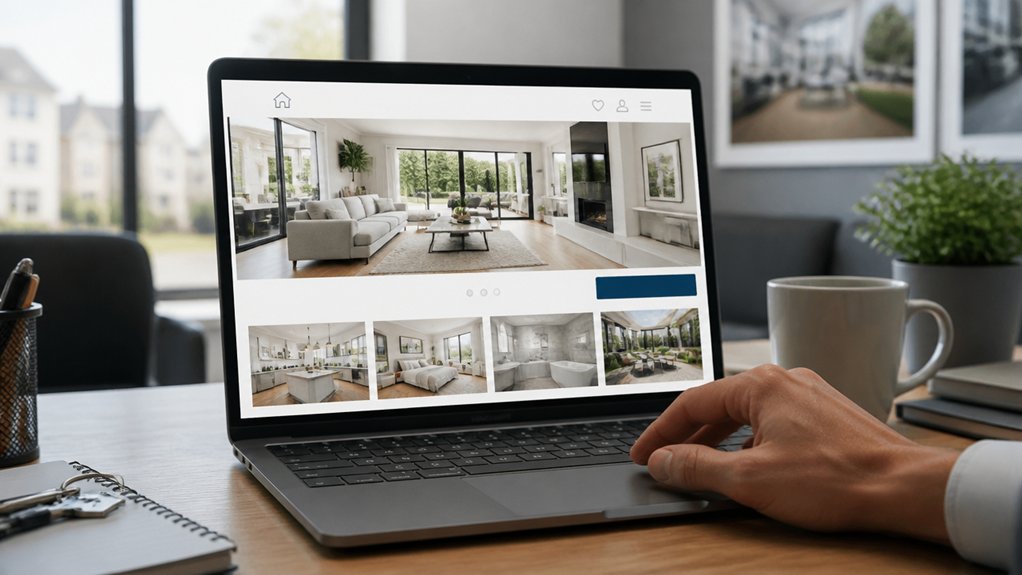
Your estate agent website should help visitors move from browsing to booking without making them work for it. Clear categories, useful search filters, honest property details, and strong photography give people confidence to take the next step. A simple viewing form matters too, especially on mobile, where a complicated process can cost you a potential client. The right changes can make that journey easier—and reveal where many websites lose visitors along the way.
Key Takeaways
- Organize navigation into clear buying, renting, and location categories so visitors can find relevant properties quickly.
- Make property search easy with responsive filters for price, type, bedrooms, and other key criteria.
- Present listings with scannable facts, accurate photos, floorplans, costs, and clear details about restrictions.
- Place prominent “Book a viewing” and “Request more info” buttons beside property details, with mobile-friendly contact options.
- Simplify viewing bookings with available time slots, minimal form fields, prompt confirmation, and virtual tour alternatives.
Make Your Estate Agent Website Easy to Search

Make your estate agent website easy to search so visitors can quickly find properties that match their needs. Organise your navigation around clear categories, such as buying, renting, and location, so people can reach relevant properties without extra clicks. Add prominent search tools that let visitors filter by price, property type, bedrooms, and other practical criteria. Keep labels simple and consistent across desktop and mobile screens.
Thoughtful Website design makes these tools easy to spot and use. Prioritise User experience by ensuring filters respond quickly, results remain easy to scan, and visitors can adjust their search without starting over. Include a clear way to reset filters and broaden results when a search returns too few options.
Test the search journey on different devices, then refine any confusing steps. When visitors find suitable properties quickly, they’re more likely to arrange a viewing.
Write Listings That Answer Buyers’ Questions
Once visitors find a property that fits their search, a clear listing helps them decide whether it’s worth a viewing.
Answer the questions they’re likely to ask: What’s the asking price, how many bedrooms are there, and when can they move in? Include practical details such as floor area, tenure, council tax band, parking, and nearby transport or amenities.
Explain any restrictions or notable costs upfront so buyers can assess whether the home suits their needs and budget.
Use concise headings and scannable bullet points to make key facts easy to find.
Your Pricing strategies should support realistic expectations; explain what’s included in the price and whether offers are invited.
Add Virtual tour integration so visitors can explore the layout remotely and decide if an in-person viewing is worthwhile.
Finish with a clear call to action, such as booking a viewing or contacting your team with questions.
Use Listing Photos and Details to Build Trust
Accurate photos and property details show buyers what to expect and help them trust your listing. Use bright, high-resolution images to capture each room, the exterior, and standout features. Show spaces from realistic angles, and don’t hide flaws with misleading edits. If you use virtual staging, label it clearly so buyers can distinguish suggested furnishings from what’s actually included.
Pair your photos with specific, verified details about dimensions, fixtures, condition, and recent improvements. Include detailed floorplans so visitors can understand room layouts and how spaces connect. Check every measurement and description before publishing; small inconsistencies can raise doubts and discourage enquiries.
When your images and facts match the property, you set honest expectations, help buyers assess whether it suits their needs, and give them a stronger reason to arrange a viewing.
Make It Easy to Book Viewings on Any Device
When buyers find a property they like, a simple viewing-booking process can turn interest into action. Let visitors choose an available date and time without calling your office or completing a lengthy form. Ask only for essential details, such as their name, contact information, and preferred appointment slot. Then confirm the request promptly, explain what happens next, and make it easy to reschedule if plans change.
Your booking process should work smoothly on phones, tablets, and desktops. Strong mobile optimization keeps calendars readable, fields easy to tap, and pages quick to load, so buyers can arrange a visit wherever they are.
If someone can’t attend in person straight away, offer virtual tours as another way to explore the property. A convenient, reliable experience helps you capture serious enquiries and move interested buyers toward an in-person viewing.
Use Clear Calls to Action
Clear calls to action guide visitors toward the next step, whether they want to book a viewing, request more information, or contact your team. Use direct, specific labels such as “Book a viewing” instead of vague options like “Learn more.” Clear wording sets expectations and helps visitors act confidently.
Consider Call to action placement across your website. Put a prominent button near each property’s key details, and repeat it after descriptions or image galleries, so visitors don’t have to search.
Keep contact options visible on mobile screens, where space is limited and quick decisions matter.
Thoughtful CTA design makes each action easy to spot and tap. Choose contrasting colours, readable text, and consistent button styles. Give buttons enough space to prevent accidental taps, and ensure every link leads to the promised next step.
Test calls to action regularly to identify what encourages more enquiries and viewing bookings.
Leave a Reply